How Oatty Executes Safely
Understand the trust model: suggestion, preview, validation, and explicit operator control before execution.
Estimated time: 6-9 min
What You Will Learn
- Connect Oatty MCP tooling to your AI assistant for controlled planning support.
- Separate suggestion from execution so generated plans stay reviewable.
- Use preview and validation outputs before running commands or workflows.
- Interpret failures quickly and recover with deterministic next steps.
- Keep manual control even when using AI assistants and natural language requests.
Trust Model at a Glance
Connect Oatty to your AI assistant through MCP so planning and execution tools are discoverable in one place.
Oatty treats natural language as a planning input, not an execution bypass.
In the TUI, suggested commands and workflows are reviewable before execution. Connected AI assistants can run/debug workflows if desired.
Execution remains explicit and observable through status, logs, and result views.
tip Use this mental model: suggest -> inspect -> validate -> run.
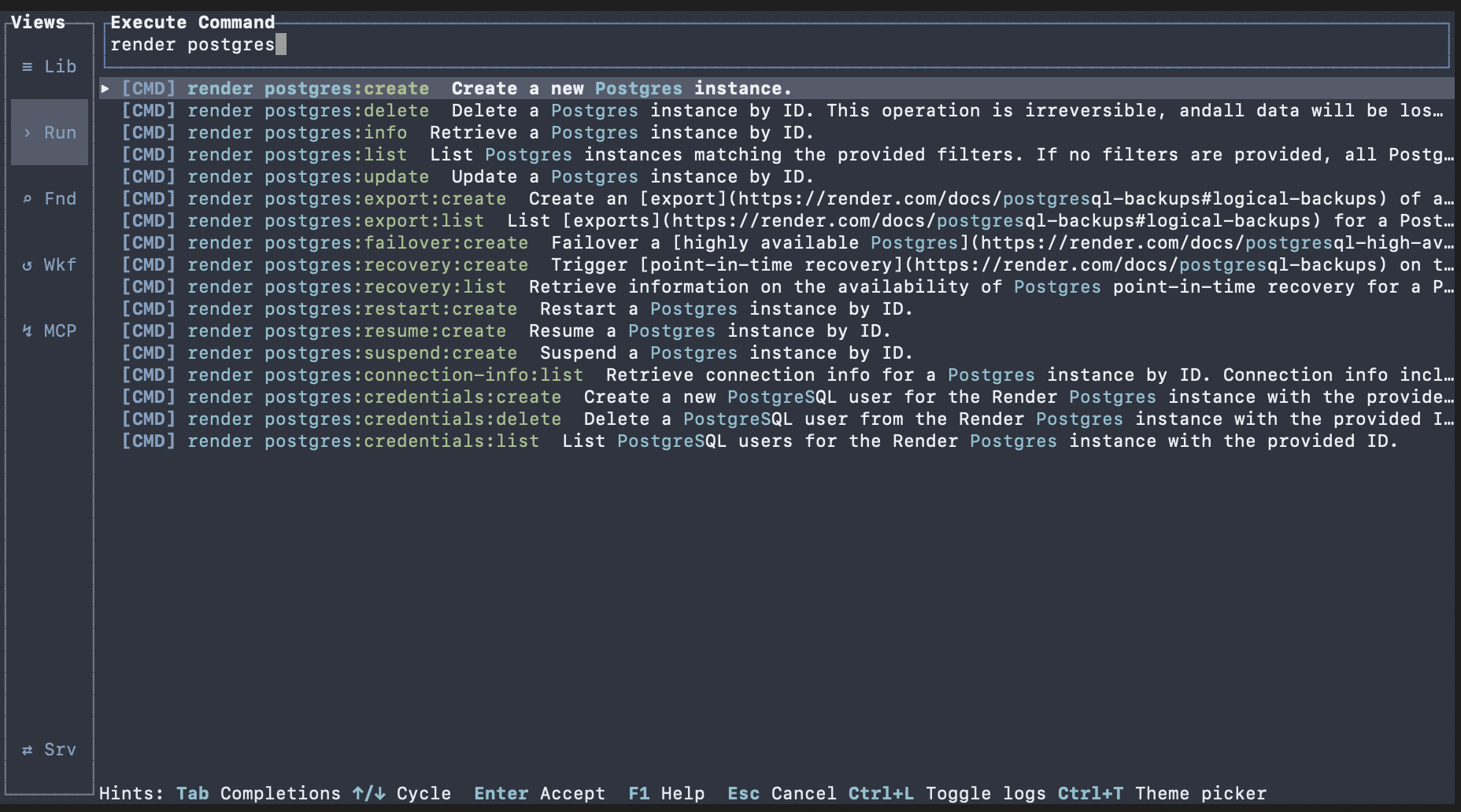
Preview and Validation Before Run
Before execution, confirm command arguments or workflow inputs match intent.
Use preview and validation tools to catch schema, dependency, input, and command/catalog preflight issues early.
When validation fails, use returned violations and suggested actions to repair quickly.
expected Validation failures are specific enough to fix in one edit cycle.
recovery If a step fails validation, correct the reported field/dependency and run validation again before execution.
advanced Ask your AI assistant to help build/validate complex workflows via MCP.
Operator Control and Manual Overrides
Assisted planning does not remove manual operation paths.
You can still run commands directly, edit workflow manifests in your IDE, and provide inputs manually before running.
This keeps behavior deterministic and audit-friendly in high-stakes changes.
tip For production changes, prefer explicit command/workflow review over one-shot executions.
fallback Use CLI commands for explicit scriptable execution when you need non-interactive control in a CI/CD pipeline.
Failure and Recovery Pattern
Treat failures as structured feedback, not dead ends.
Read the first actionable error, update the relevant input/spec, and rerun the smallest validation step first.
Then rerun execution once readiness checks pass.
expected Most failures should map to a clear next action from validation or error metadata.
tip When something fails, rerun the smallest preflight first (preview/validate) before rerunning the full command or workflow.
Next Steps
Continue to Search and Run Commands for command-level execution patterns.
Continue to Workflows Basics for input collection, run controls, and step-level inspection.
Use workflow export/import flows to share reviewed workflows with teammates and CI pipelines.
expected You can evaluate assisted suggestions without sacrificing operator control.