Library and Catalogs
Manage catalogs as your command source of truth, including import, enablement, base URLs, and removal.
Estimated time: 10-14 min
What You Will Learn
- Import catalogs into the shared command registry.
- Toggle catalog enablement and verify active state.
- Define request headers such as Authorization in the headers editor.
- Set, add, and remove base URLs safely.
- Use CLI fallback for catalog import automation.
Overview
Catalogs are the source of truth for your command surface. Import OpenAPI schemas to create catalogs.
Catalogs are shared across TUI, workflows, CLI, and MCP tooling.
Catalogs can be enabled or disabled to control visibility in the TUI.
Request headers such as Authorization and others can be set to support Vendor requirements.
Base URLs can be specified to support multiple API endpoints for a catalog.
Catalogs can be removed when no longer needed.
expected Catalogs extend your command surface. Practical limits depend on your machine and schema size; start with a few catalogs and scale up as needed.
recovery If catalogs are missing, verify the catalog import flow.
Prerequisites

Open the Library view.
Prepare an OpenAPI source path or URL for import.
expected Library opens with catalog list and catalog details panels available.
recovery If Library is empty, import a catalog first.
Import a Catalog
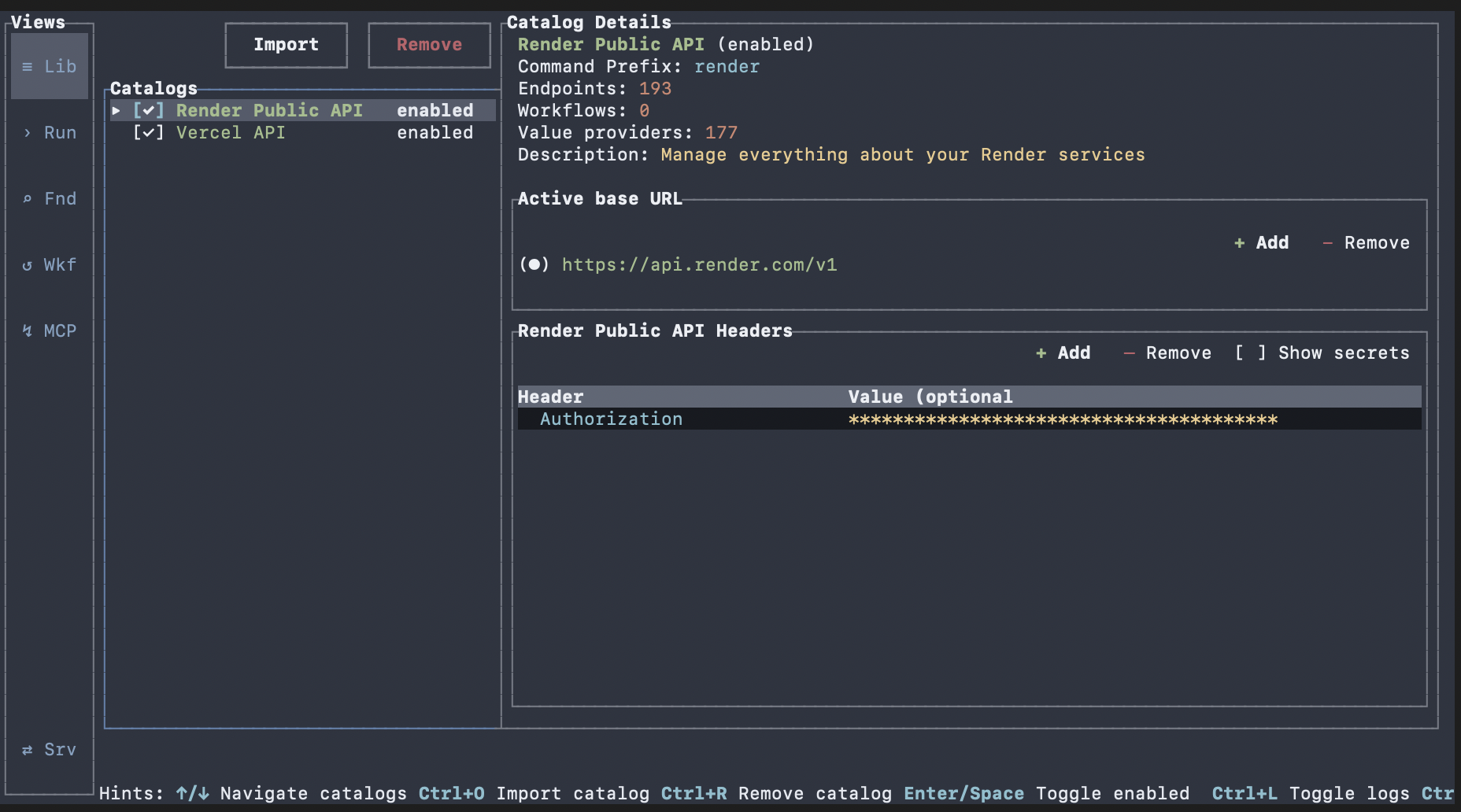
Select Import in Library.
Provide the schema source and complete the import flow.

Verify the new catalog appears in the list.
expected A new catalog entry appears and is selectable in Library.
recovery If import fails, validate schema format and source path/URL, then retry.
fallback CLI fallback: `oatty import <path-or-url> --kind catalog`.
advanced Imported catalogs become a shared command surface used by TUI, workflows, CLI, and MCP tooling.
Toggle Catalog Enablement
Focus the catalog list and select a catalog.
Toggle enabled state from the list action path.
Confirm status changes in the catalog row and details.
expected Catalog status updates between enabled and disabled.
recovery If status does not change, ensure the catalog row is focused before toggling or use the mouse.
Define Request Headers

Open the catalog headers editor in Library.
Add header key-value entries, including `Authorization` when required.
Leave header values empty only when your API contract allows optional values.
expected Header rows are visible in the catalog details and persist after focus changes.
recovery If headers do not persist, check for invalid/empty header keys and correct the row.

advanced Header validation errors are shown above the headers list.
Manage Base URLs
Select a catalog and open its base URL section.
Set the active base URL from the URL list.
Add or remove base URLs as needed.
expected One base URL is marked active and list updates reflect add/remove actions.
recovery If updates fail validation, correct the base URL value and retry.

advanced Base URL validation rejects invalid or empty URL sets for a catalog.
Next Steps
Continue to Workflows Basics to run imported workflows with structured inputs.
Return to Search and Run Commands to validate command behavior against updated catalogs.
expected You can keep catalog state aligned with your execution workflows.